

Overview
My Role: Senior UX Designer
Company: Infor
Team Members: UX Team Lead, UX Researcher, UX Designer, Business Analyst, Lead Developer
Multi-View Scheduler (MVS) is a tool that aids nurses and managers in planning and scheduling staffing. This process is often difficult and time-consuming. Our team faced the task of evaluating the core product, sharing critical insights and recommendations to create a more user-friendly experience for nurse managers.

Challenge
MVS had a confusing user interface; simple tasks took longer to complete than necessary. The UI was often difficult to read, and the overall structure was inconsistent and flat. Given a short amount of time, and being limited to the discovery phase, our team needed to identify the current problems with the tool, and make recommendations for best possible solutions for MVS.

MVS was a legacy application from over 10 years ago

Process
As a first step in the design process, my team conducted a series of contextual interviews where we asked users to describe their roles and responsibilities, and how their organization manages scheduling. We then watched and listened as they demonstrated how they use their installed version of MVS, and followed up with questions regarding how they would go about completing certain tasks.
Concurrent with user interviews, we administered a heuristic evaluation. Each observed usability problem was explained in reference to an established usability principle; as a result, it was not difficult to generate dilemmas. It was a good method for finding both major and minor problems in MVS.

Heuristic Evaluation
A competitive analysis was conducted that yielded two benefits: it provided the team with greater clarity and insight on market conditions and user experiences, and it helped reveal how similar products are marketed and structured to identify and acknowledge existing problems that frustrate end users.

Who doesn’t love a good affinity diagramming workshop?
UX Researcher Mary C. & UX Team Lead Isha S.
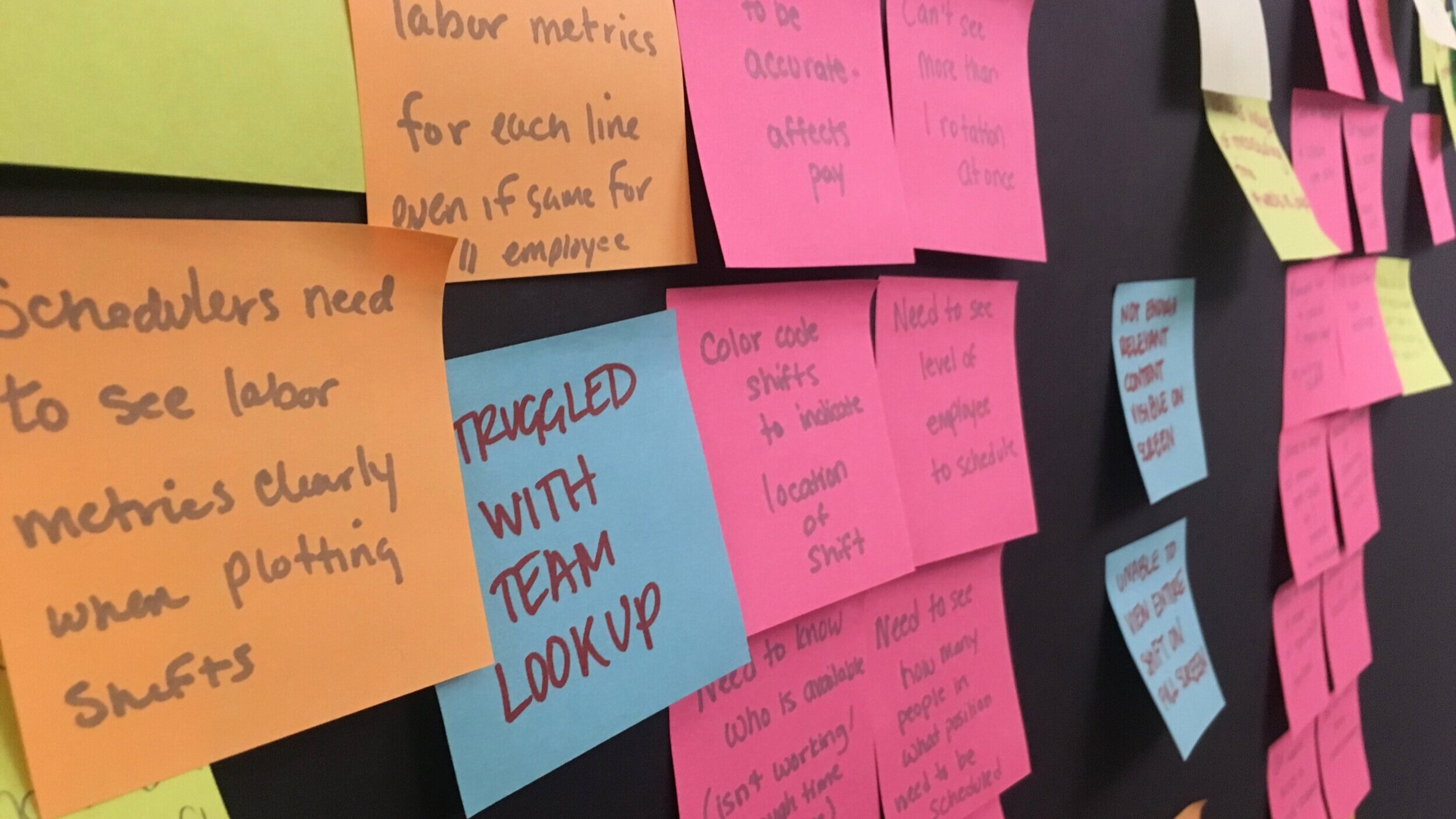
Affinity Diagramming Workshop based on research findings
Research Findings
The response to our research, insights, and recommendations were overwhelmingly positive. As a result, we worked an additional month on the content structure and visual design.
THE NEW ASK
Explore visual design solutions, including implementing SoHo Xi (the newest iteration of Infor Design), for one of our long-term recommendations: a complete rehaul of the workflows in MVS.
MAPPING CONTENT
Our team had a limited timeframe and was eager to get started. Before diving into visual exploration, we needed to develop a baseline and determine the Minimum Viable Product (MVP) workflow. We generated this information by revisiting user interviews, content in the current MVS system, and core features we noticed in our competitors.
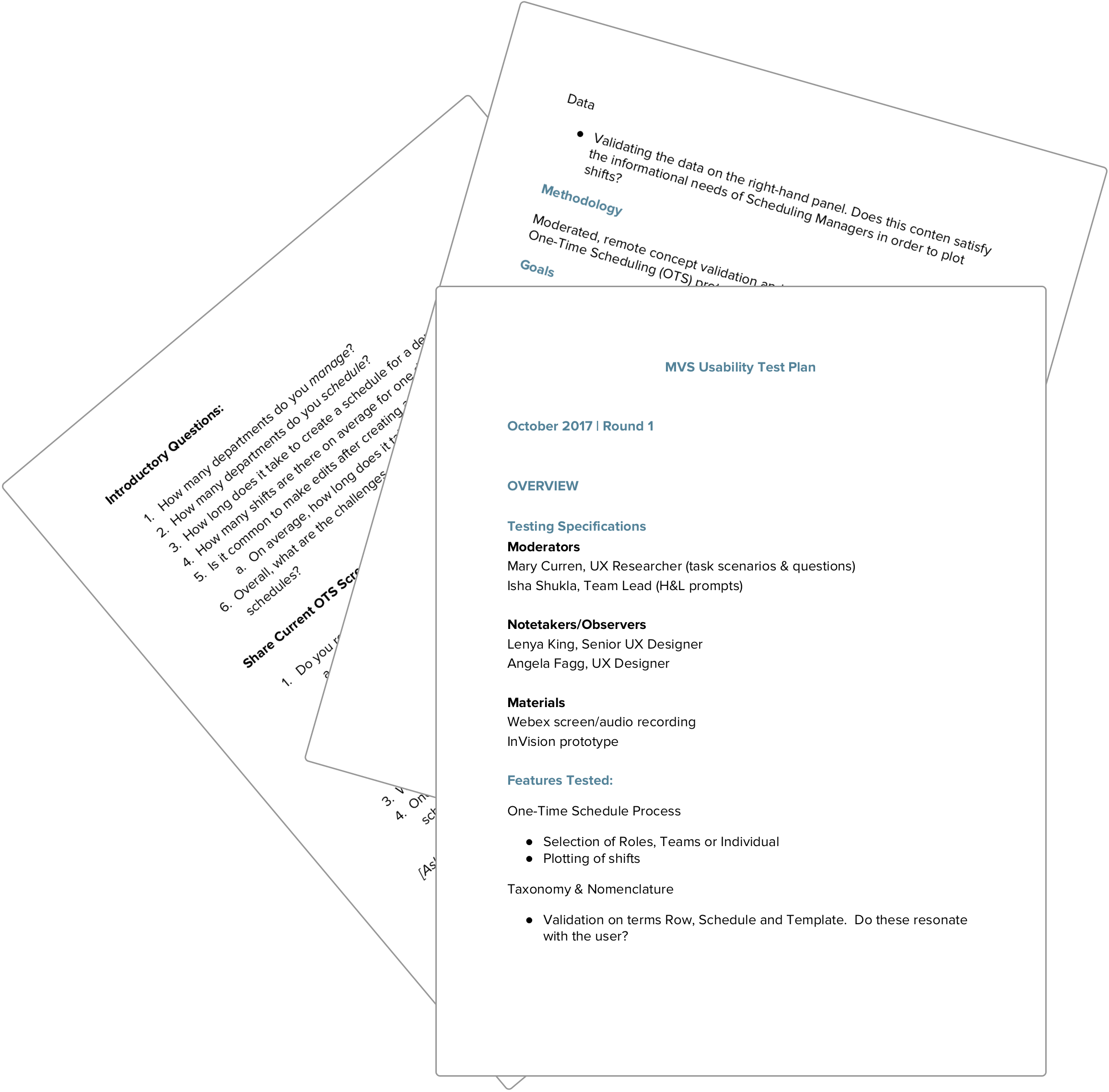
USER TESTING: ROUND 2
We interviewed several end-users from the beginning of our research again and presented them with a prototype of our new designs.
Goals:
Delve deeper into the process of one-time schedule creation.
Understand the difference between a template and a schedule.
Determine the meaning of “rows” to the user.
Early concept validation of the “Create New” screen and efficacy of the process of creating a new schedule.

Outcome

Schedule with plotted shifts: initial view
Earlier testing indicated that customers responded particularly well to the admin panel I designed, specifically having quick access to shift data. With this in mind, I continued to collaborate with developers to discover what data sets could be made available for users while still falling within the parameters of the current platform. It was a fun and rewarding collaboration, as the development team was also eager to give MVS an upgrade as well. Their input, knowledge, and support throughout this process was especially invaluable.
LEARNINGS AND FUTURE ROADMAP
Our team adapted and practiced new ways of navigating through more challenging projects, such as developing better and faster techniques of seeking clarity. This project required quick turnarounds and fast iterations, which we were able to deliver because of our strong relationship with product and development. Overall, our teams collaborated well together, and we were eager to pick this project up again once it received the green light to continue moving forward.